Skylink Group Announces AlexaTM Voice Service Compatibility

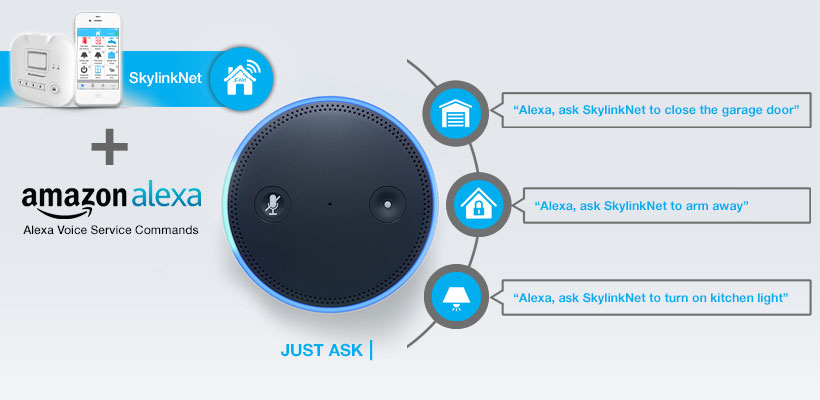
New AlexaTM Voice Service capabilities bring advance functionality to the SkylinkNetTM connected home suite

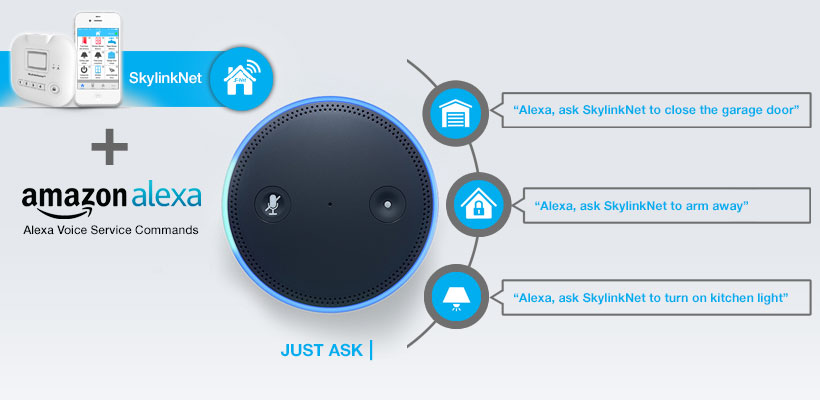
Skylink Group, a leading provider of connected home safety solutions, today announced its compatibility with the cloud-based Alexa Voice Service technology. The new function allows homeowners to connect the SkylinkNet suite of connected accessories to Amazon’s Alexa Voice Service technology, running commands and learning new skills based on preferences, bringing advance functionality to Skylink’s range of products. Read more…


Read More

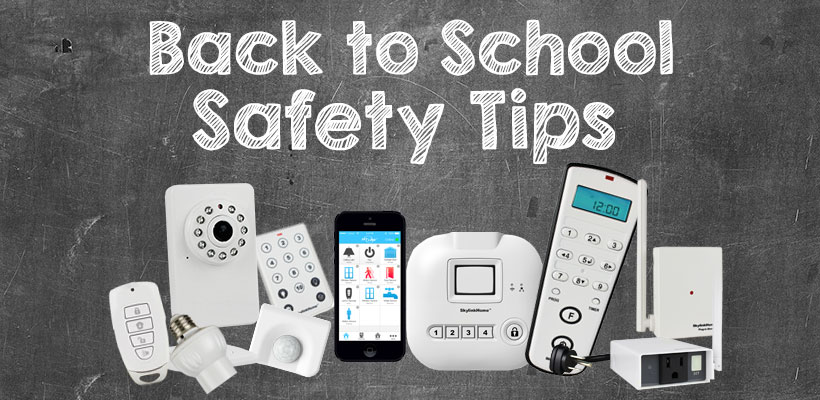
Back to School Safety Tips

Back to School Safety Tips

It is the end of August and that means summer vacations are coming to an end for most kids and everyone is getting ready to go back to school.

Here are few simple tips:

  • Make sure the children know the phone number of their parents or guardians, home address and how to dial 9-1-1 during an emergency.
  • Use the same route everyday if your children are walking to school and avoid shortcuts. Always cross the street at an intersection. Try to walk to school with other students.
  • Do not talk to strangers and keep a distance between themselves and anyone who tries to approach them. Teach your children to report any incidents to parents or teacher.
  • No phones while walking to school. Children need to pay close attention to their surroundings.
  • Always wear a helmet when riding a bike and try to ride with someone else to school.
  • SkylinkNet can give you peace of mind by allowing your child to disarm the alarm system when home and notifies you that your child has arrived, and with a video camera, you can see they are home safely.

We hope you find these tips useful and share them with your child, friends, and have a wonderful school year ahead.


Read More

IFTTT Notification Options

IFTTT Notification Options

IFTTT offers a lot more options to notify you in case of an emergency

SkylinkNet will notify you regarding the incidents such as sensor activation or alarm during a break in or other emergency situations with the built-in push notification of your smartphone. What if you would also like to notify someone who is not using the SkylinkNet App? such as your friends, neighbors, relatives while you are on vacation?

Here are several new ways you can setup your SkylinkNet along with IFTTT to have more options for notification.

1) Send a text message – You can send a text message to designated phone number(s) when the alarm goes off. This is one of the most useful applets. However, please note that IFTTT only allows each account to send up to 100 messages a month, please be aware. But this is ideal for panic alarm situation.

ifttt-notification-options

2) Call someone – You can set up IFTTT to call a phone number and it will playback a user defined voice message.

IFTTT Recipe: Call my neighbor when my SkylinkNet alarm goes off connects skylinknet to phone-call

3) Email – You can always send the emergency message by email.

IFTTT Recipe: When SkylinkNet Hub is in specific mode, send an email notification connects skylinknet to email

4) Skype – Skype channel on IFTTT has just been launched recently, so instead of the above notification, IFTTT can send a message on Skype for all the SkylinkNet events. This is ideal for those of you who is logged in to Skype all the time.

IFTTT Recipe: When SkylinkNet alarm goes off, send a message on Skype connects skylinknet to skype

With all these notification options, we are confident that you will be pleased on how we notify you during an emergency versus traditional alarm company that charges monthly fees.

Please let us know if you can think of any other ways that you can be notified with the SkylinkNet system.

Read More

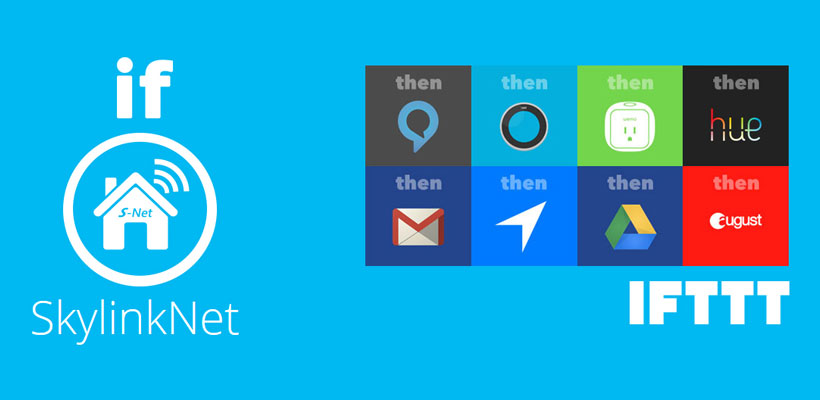
IFTTT, IF THIS THEN THAT

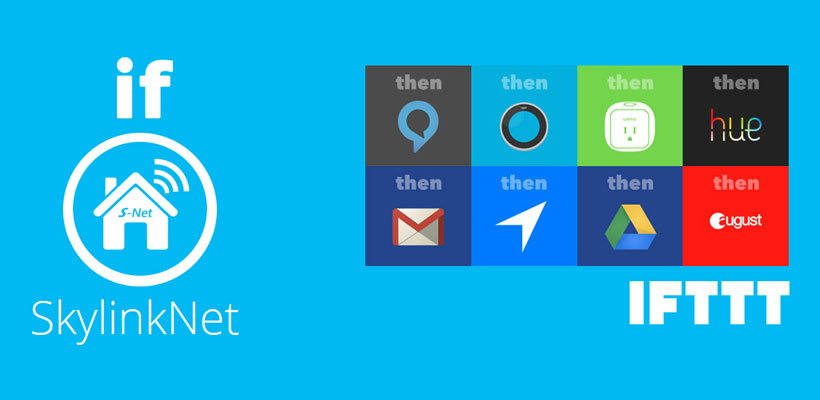
IFTTT, IF THIS THEN THAT, is what everyone wants and is waiting for, It’s the universal language of technology, allowing different technologies and platforms to communicate to each other. SkylinkNet is now on IF, with applets to make your everyday task simple. Arming and disarming your alarm system, sharing your photos wherever you are, knowing when someone opens your garage door, knowing the latest news alert, getting a better night’s sleep or home automation to simply light up your way when you get home, it’s all made easy with applets from IF, all from the palm of your hand, the limit is only your imagination. Check out the videos on how to get started, setup your devices and download and add your applets. Now you are ready to simplify and enjoy your lifestyle.


Read More

SmartHome Interview – Skylink

Skylink has over 25 years of experience in the wireless technology and home automation industry. Our product lines include wireless security systems, garage door openers, as well as, lighting and home automation devices. SkylinkNet is the latest product line from Skylink, allowing users to control their homes through a smartphone app. Homeowners can manage SkylinkNet sensors, controlling lights to arming and disarming their security system from anywhere in the world. Read more


Read More

Dedicated and proprietary security system offering expandability and personal control

My current and previous homes had wired alarm systems built into them. The problem with the old wired systems was that there was no ability to remotely control them and no way to remotely see what was happening when an alarm went off, much less automatically capture video. An alarm going off required a manual check and resulted in more than one false alarm reported to the local police. So having the ability to personally control and monitor a system is a must for me.

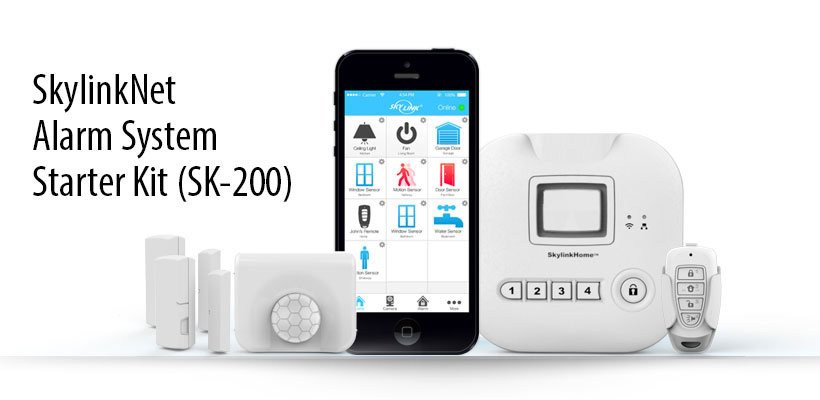
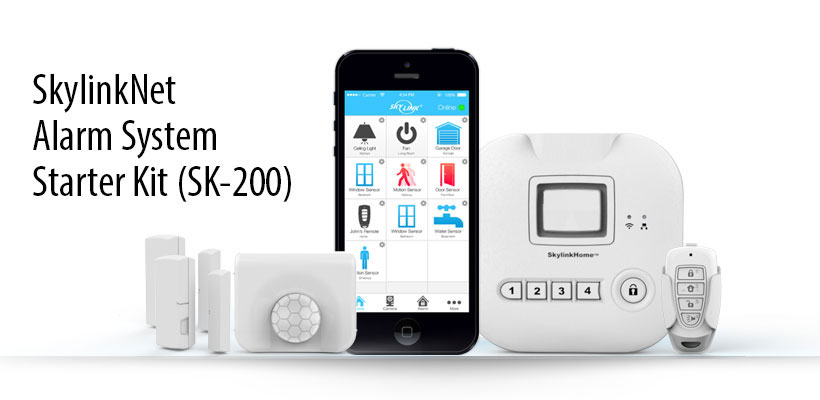
The Skylink SK-200 is a dedicated security system starter kit. It is a proprietary system rather than an open system which means that all the added peripherals will need to be Skylink. This actually makes it easier for many people to install since there is no conflict between different system protocols. One app will connect all the components of the system which has a huge amount of expandability. Article Link


Read More

Super simple, Set Up

This system’s beauty is in it’s simplicity. I’ve never set up a home security system before. All the parts involved in setting this one up looked a little daunting, at least in terms of time. But I was seriously impressed with how easy it really is. Setting the whole thing up took about 40 minutes, including placing all the sensors. Of course there is always fine tuning on a system like this that might go out for a few days or weeks until it’s just perfect for you, and the app to control it may take a few days to completely master, but the total time from unboxing to having a working system really is in the 30-45 minute range. Read more


Read More

Excellent Gun Cabinet Security

One positive thing that really jumped out at me compared to other remote application controlled security systems is that Skylink is apparently constantly working to improve the User Interface and Functionality of the phone software. This is not the usual run of things – in fact, prior security systems seem to rely on third-party software, which always struck me as odd (but common). The app as listed on the Google Play Store is “SkylinkNet” by Skylinkhome. Being a regular reviewer of Android app security myself, the application is safe and legit in every way to download and install. Yes, I inspected the code modules as well. Read more


Read More