Security Controlled by Your Phone

So, it’s not something I like to talk about, but a little over a year ago my house was broken into. It really sucked. Chances are there’s not much I could really have done to prevent it. There are some weirdos out there.

Today’s review is something that I kinda wish I had had back then.

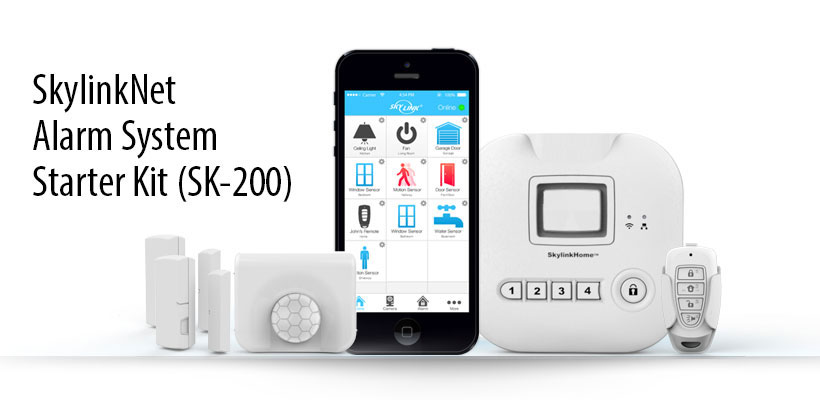
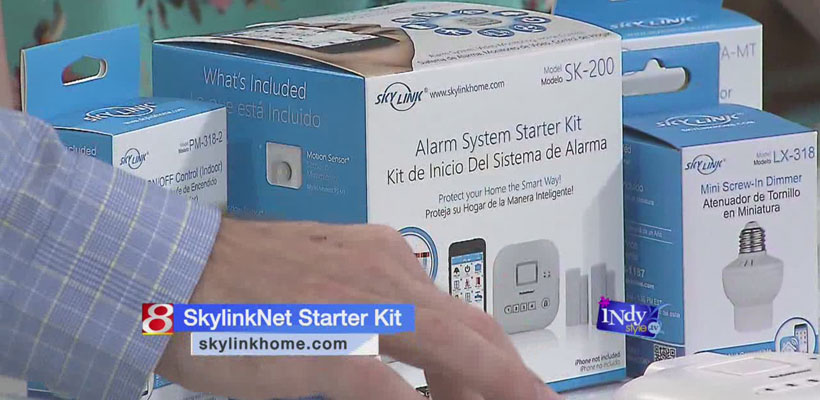
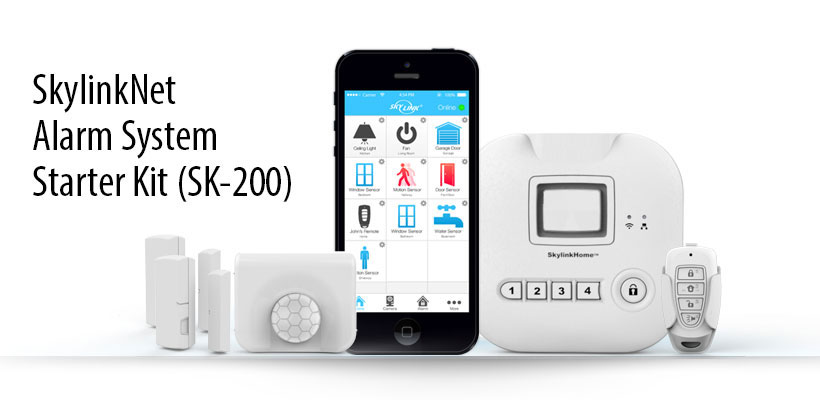
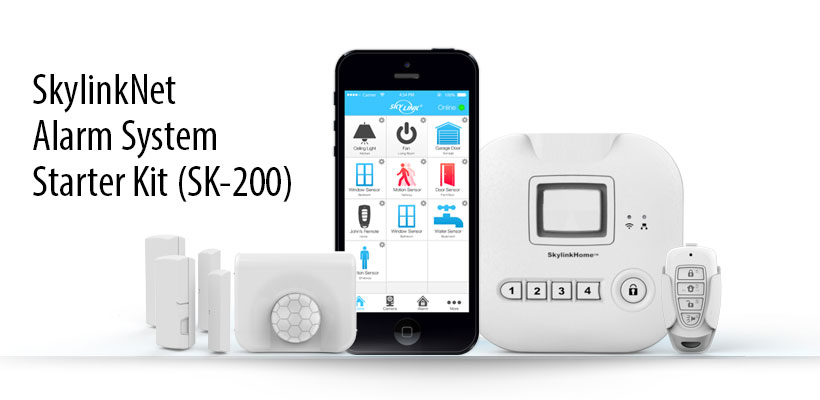
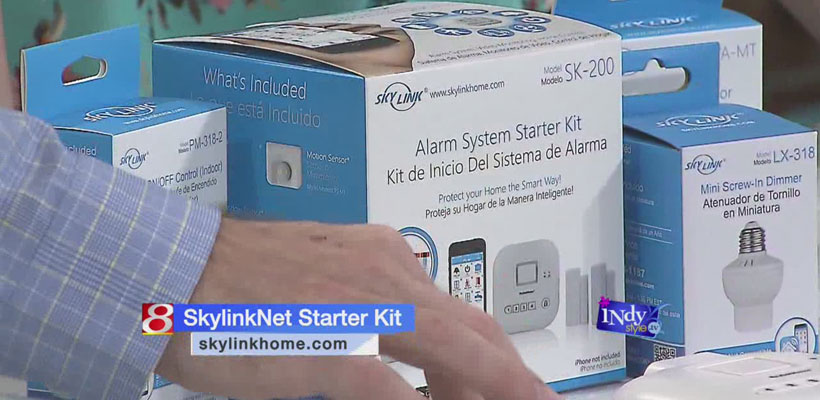
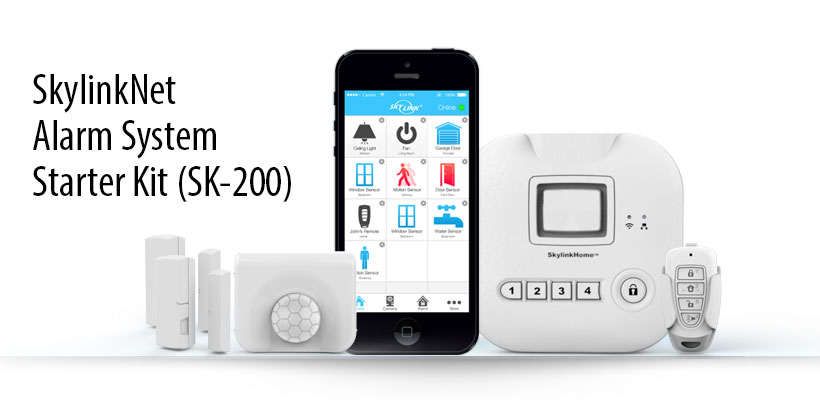
It’s the SkylinkNet Alarm System. The company sent over the starter kit and a couple of the plug-in receivers. [···]
Read More

The Best Smart Home Security Systems of 2017

Smart Home Security Systems DIY or Professionally Installed?

Do-it-yourself setups from Abode, iSmartAlarm, SimpliSafe, SkylinkNet are ideal for homeowners on a budget, because they can save you a bundle on installation charges and subscription fees. Most DIY systems are sold as kits that you can configure to suit your specific needs, and give you the option to add additional components at your convenience. [···]

Read More

Gizmo Gadget Gal Gift Ideas for Mom and Dad

Skylink: SkylinkNet Alarm System Kit
Connected home security kit integrates with nearly all major smart home devices

· IFTTT function allows users to connect their kit to other industry leading connected home accessories including Amazon Echo, Nest® Cam™, WeMo®, and Phillips Hue
· Homeowners can run recipes for functions unrelated to smart devices, such as receiving immediate email notifications for any occurrences in the home
· Equipped with back up battery in case of power failure [···]

Read More

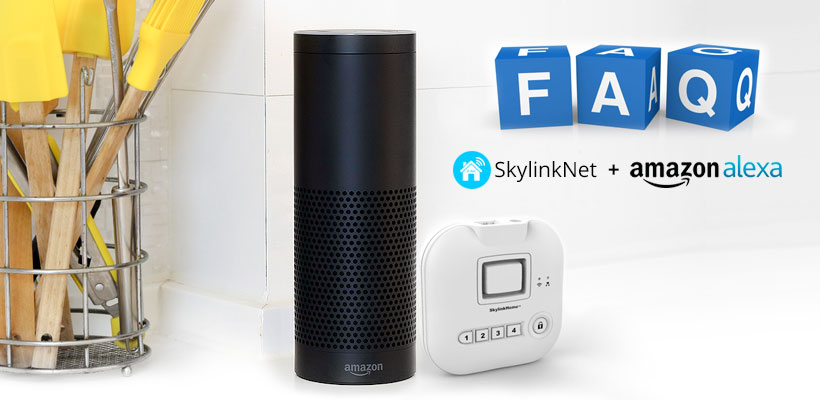
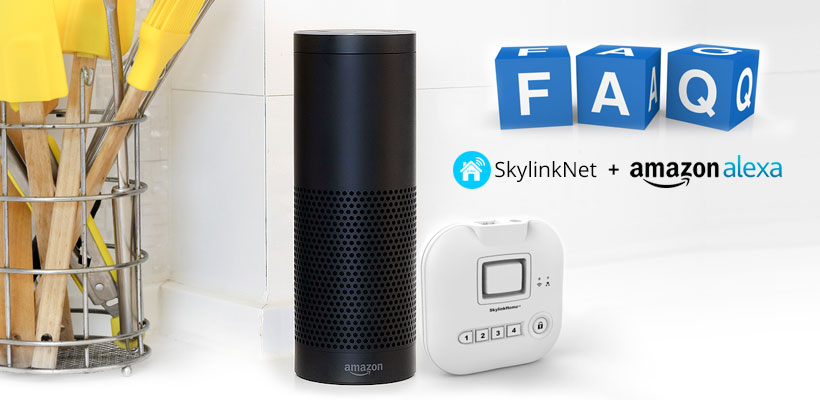
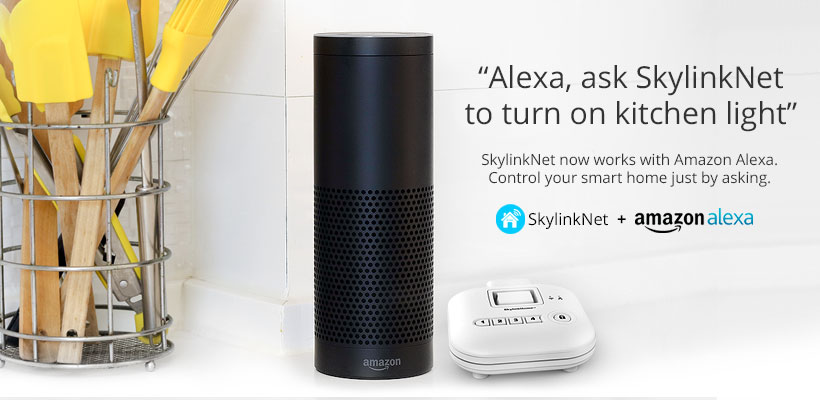
Amazon Alexa FAQ

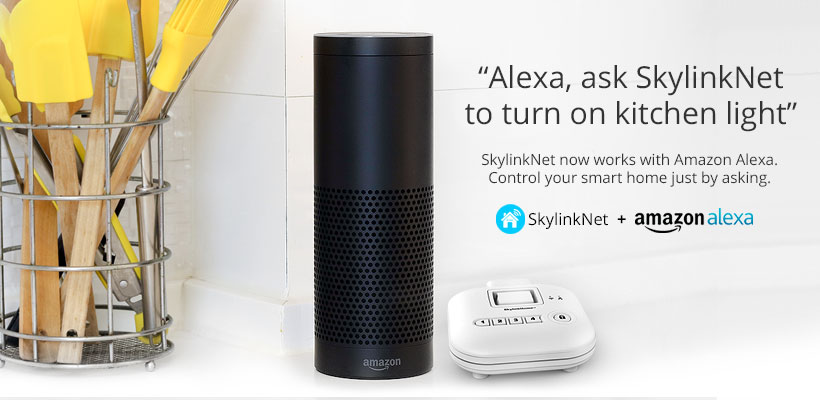
Q: How to enable Alexa on my SkylinkNet system?

A: You must link your Alexa to your SkylinkNet account. Please follow this video to link these 2 accounts together. Most importantly, you should see this statement on the Alexa page “Your SkylinkNet Skill was successfully linked.” once they are linked. This is to confirm Alexa is communicating with your SkylinkNet’s account. Refer to this setup video: https://www.youtube.com/watch?v=wWK3xUF3Png&t

Q: How can I test this Skill after linking?

A: The easiest command is to ask Alexa to check your alarm status, by saying:  [···]

Read More